
Instagram advertising can be very lucrative. If you have ever done advertising, I don’t have to tell you how valuable it is, but if you’re someone who has avoided paying for advertising, then you’re someone like me who didn’t know the benefits until she tried.
Disclaimer: there may be affiliate links in this article. That means that if you choose to make a purchase through the links in my post, I may earn a commission at no additional cost to you. Thank you for supporting my business.
Instagram Advertising Tips
How to Start Advertising
To start an advertisement, click on Boost Post from either a FB or IG post. With Instagram, you will have three options to select from when it comes to identifying a goal: More profile visits, more website visits, more messages. If you want more people to come to your website, it will by default use the link in your bio. For my profile, that is the smart bio link that I use through Tailwind, and it serves as a menu of choices. To learn more about the smart bio links from Tailwind, read my article: Tailwind SmartBio Links.
If you want people to go to a very specific webpage, just click on ‘edit’ under the website traffic options and change where they want them to go. You also have different action buttons such as Learn more, Shop now, Contact us, among others. If you want to boost a specific blog post or website page, edit your link so that your target audience goes straight to your content. Take the step by step process out of the equation for them. People are lazy and we all want instant gratification on the internet, so do your audience a favor and nix a few clicks for them.

When it comes to setting up the ad, you can choose who your post is marketing towards specifically such as women, men, people who follow your page specifically or people who you want to attract and grow followers- even people who like the content on your followers pages. You can even choose more specifics such as interests, age and gender and locations.

After selecting your goal and target audience, you will set a budget and duration for the advertisement. For my very first advertisement, I ran a simple post for $25, 5 days just to see what would happen. As you move the ‘button’ through the Budget and Duration lines, it will tell you how many people this post will reach. For example, $30 over 6 days is set by default on Instagram Advertising options and the setting tells you that those values will reach between 5,900 and 16,000. You can also ‘Run this ad until I pause it,’ but with a budget in mind, set a duration. These Boost Post settings can gain you so many Likes and there really is magic in getting people to visit certain pages.

For The Montana Woman Foundation, we set our first advertisement for our scholarship campaign. I wanted as many people as possible to learn about our scholarship program and we did see a boost in how many people shared the post about our scholarship program, and more women applied to the scholarship that year. Our target audience was women, Montana, 20-45 years old.
Where to Advertise (Instagram)
Despite being from one company, Meta, I prefer the Instagram advertising process. The great thing about advertising on one platform means that it will be advertised on the other platform. However, I prefer the appearance and set up of an advertisement on Instagram so I start on Instagram. Otherwise, if you start on Facebook, it kinda looks weird on Facebook. Instagram makes it look the most polished.

Final Thoughts on Advertising Tips
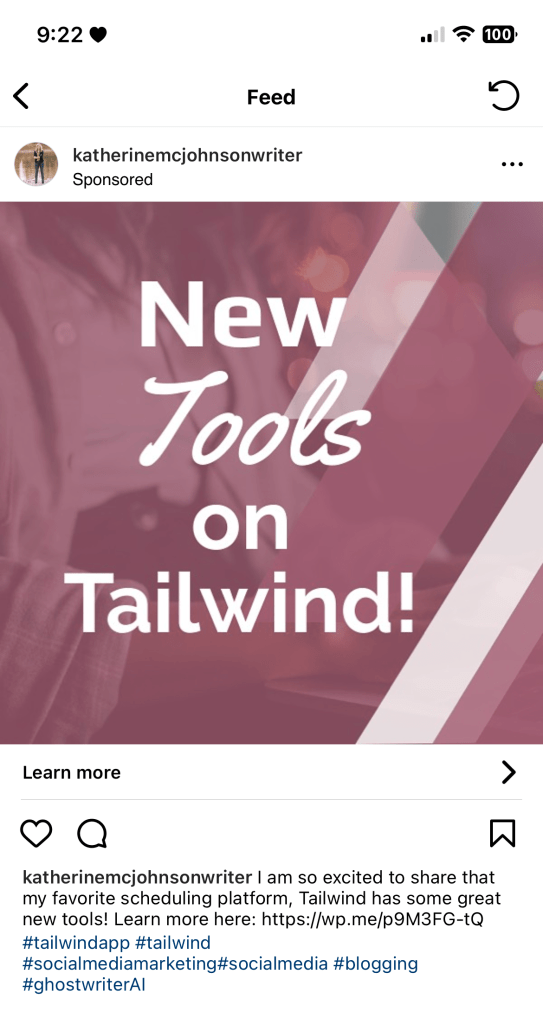
Don’t rely too much on a boosted Instagram post to drive your traffic. It is very tempting, and of course can have successful, yet varying, results. Consider maximizing your social media content with excellent writing that packs in your most useful information in the first 80-130 characters (you can get away with 100-200 characters but check with how long your profile name is); and tools such as awesome website and blog content, and catching titles on the your graphics, Tailwind, visual content and adding hashtags to your posts. Read up on the value of the hashtag in my article: The Hashtag- Why is it Important?
Additional Resources
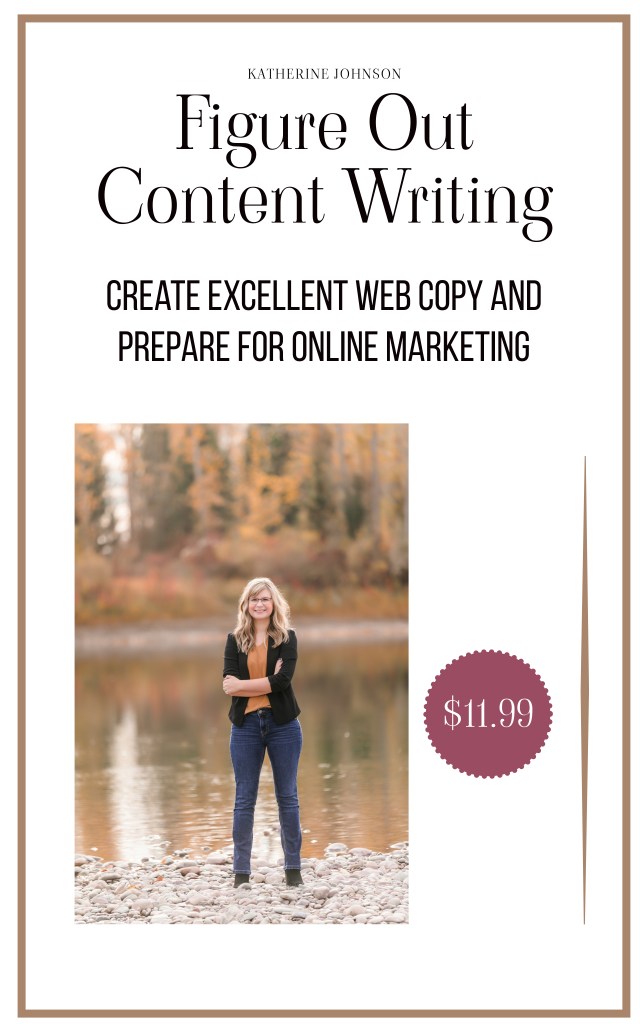
- Figure Out Content Writing workbook $11.99 on Etsy!
- Social Media Platforms- How to Choose
- Why Create Visual Content?
- My Favorite Business Tools for Online Marketing
- Social Media Platforms- How to Choose
 Katherine MC Johnson
nice article. ill leave my thoughts…
Thanks for reading , Love The Blog !!
Please check out my new blog for all things Dog – http://www.pomeranianpuppies.uk
LikeLike