

My list of favorite online writing tools is short, sweet and simple. Not only do these tools help me make my tasks easier, but they help me improve results for email sign ups, and social media traffic and engagement.
What is Online Writing?
For the purpose of this blog, I define online writing as writing for the digital sphere/online world. It encompasses a wide variety of genres: blogs, social media posts, emails, business websites, online stores, digital products, etc. With that much variety, every business owner, writer, and influencer needs tools for online writing and creation.
Disclosure: there are affiliate links within this post. If you choose to make a purchase using the links in the blog post, I may earn a commission at no additional cost to you.
The List My Favorite Online Writing Tools
Below is the list of my favorite online writing tools with a section summarizing its purpose and how it makes my life easier.
- Tailwind
- Crello/Vista Create
- WPForms
- Social Media: Instagram/Facebook & Pinterest
- WordPress Recipe Maker
Tailwind
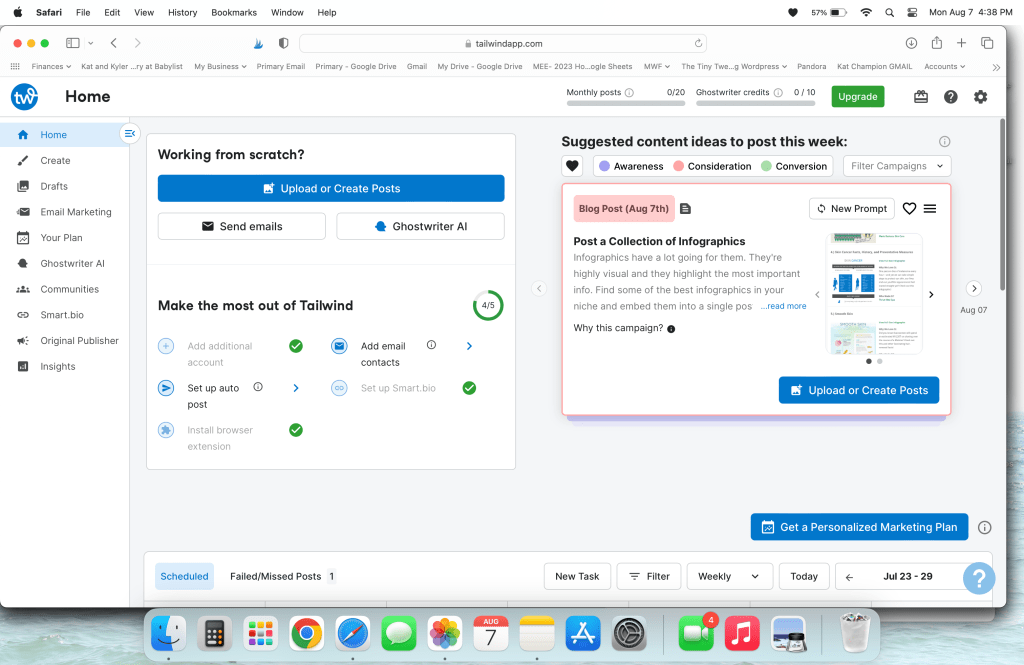
Tailwind is an online social media scheduling platform for Instagram, Facebook and even Pinterest! I have been using Tailwind for 3-4 years now and I have had great success with the paid plans and the Forever Free Plan. With consistent income, I am able to afford the $120/year per account subscription (in addition to my other expenses) but even with the Forever Free Plan, I can still take advantage of a lot of their great tools, plus use some of their newer tools such as Ghostwriter credits.
Additional Posts Related to Tailwind
I am literally obsessed with Tailwind- one of the reasons I promote it so much on this website.
- New Tools with Tailwind– including Ghostwriting & CoPilot
- Tailwind SmartBio Links
- How to Get Tailwind for Free!
- My Tailwind Success Story
Crello/Vista Create
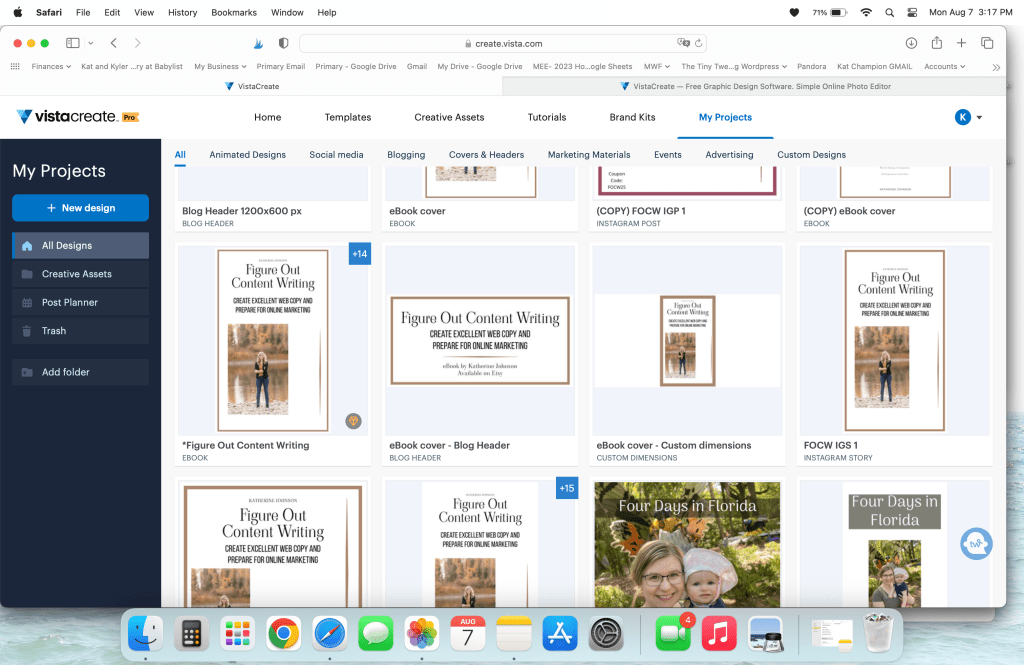
I started my graphic designing for blogging and social media first with Canva but I felt too limited by the program by the time I switched to Crello (now known as Vista Create). It costs me $96 for my annual subscription to gain access to better features such as instant resizing and a giant database of photos to use in my designs. I even used Vista Create to make my eBook Figure Out Content Writing. One of my favorite ways of using Vista Create right now is using it on my laptop! Sure, there is a ton of ease to do it on your tablet or phone, but I am much faster on the laptop!
WPForms
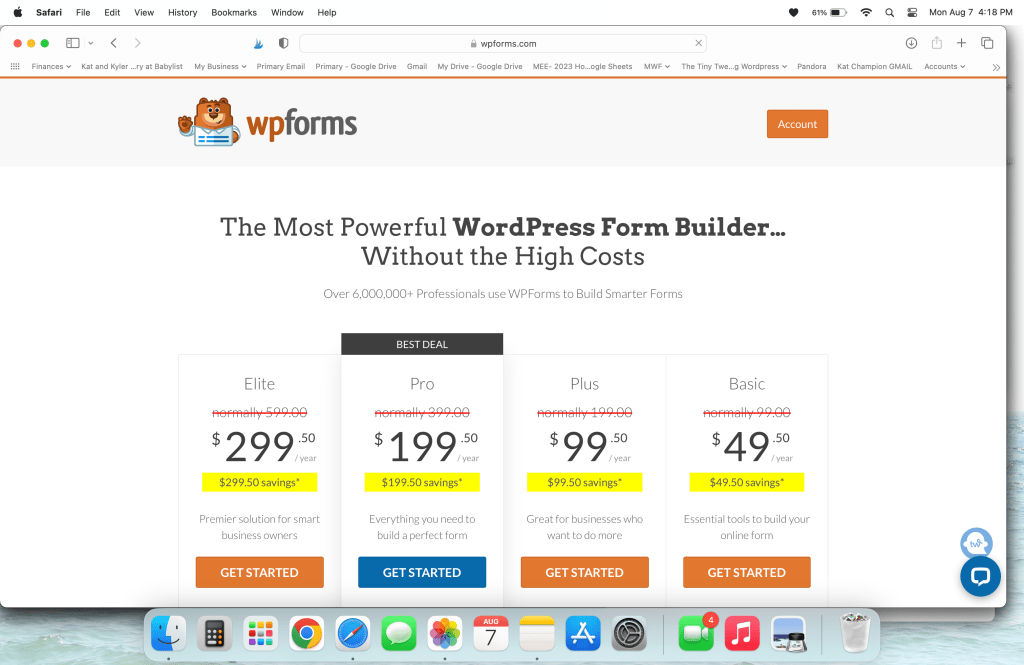
WPForms is the tool I use to grow my email list and I have it directly connected to my MailChimp email marketing account. It’s a simple plugin that you can install once you have a Business or higher leveled subscription with WordPress. I pay $200/year for the WPForm Plus subscription and share my license key with a second person/organization. You can use your WPForms license key for up to THREE WEBSITES with a Plus plan. That is more than enough for me.
You can also participate in monthly giveaways with WPForms and enter for the chance to win goodies like Apple and Samsung Products- I even won a PS4 a couple years ago! And then sold it on Facebook Marketplace.
WordPress Recipe Maker
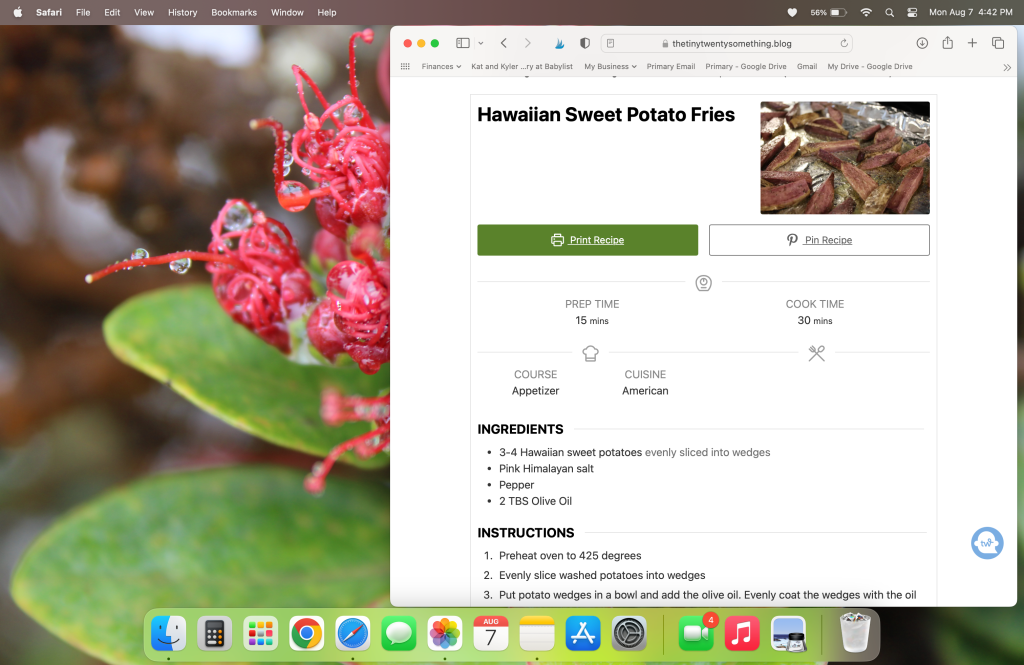
Since my other blog, The Tiny Twenty-Something, is primarily about budget friendly recipes that sometimes are in line with my keto/low carb diet, I use the WP Recipe Maker plugin for each recipe blog post. It is a free plugin and it offers website visitors the choice to “Jump to Recipe” to read the more usual layout of a recipe. You can also optimize each recipe within that new recipe set up, and in other posts, you can design clean recipe roundups centered on certain themes like breads, $5 dinners, affordable side dishes, soups, etc. I find it to be the best of both worlds: optimizing and Writing a Recipe Blog Post and giving readers the shortcut and easy printout option!
While making a recipe, you can either add in values (instructions and ingredients) one at a time, or copy and paste an entire text into a section and then highlight the text and assign it to ingredients, instructions, notes, nutrition, etc.
Social Media Accounts: Instagram/Facebook and Pinterest.
If I were to arrange social media accounts from favorite to least favorite online writing tool, I think Pinterest and Instagram are tied. I characterize Pinterest as a beautiful research database that is extremely dependent on visual media. While Instagram is pretty straight forward and you can easily manage it on Tailwind. You can schedule hundreds of Pins at one time and join community groups to share their content and your own. I love that Tailwind just sets the schedule for you and will even publish something at some odd time like 4:32 am.
Pinterest & Tailwind
To learn about using Tailwind and Pinterest together, I suggest you read up on the Pinterest and Tailwind posts I have previously written:
YOUR Next Favorite Business Tool for Online Writing

In a literal sea of online writing tools, these are just the few favorites I use every day that I work on blogging and social media. As I have shared before, I had a hilarious start to blogging in the 7th grade so I have been in the game for some time!
My Figure Out Content Writing eBook is what will be your next favorite online writing tool. This ebook is simple and straight forward, and provides briefs lessons for each piece of the puzzle for writing webcopy and preparing for online marketing strategies. Questions such as asking yourself about your mission statement, how many webpages should you have, which social media accounts should you open, and oh so much more! It’s available on Etsy for $11.99.
 Katherine MC Johnson